G2G is a Chrome extension that enables peer-to-peer communication between two live ChatGPT sessions.
Getting Started
- Install G2G
- Step 1: Establish Peer-to-Peer Connection
- Step 2: Write Initial Prompt
- Step 3: Let It Rip
- Frequently Asked Questions
Video Demo
Step 1: Establish Peer-to-Peer Connection
- Open chatgpt.com. Make sure you’re on a new chat!
- Open G2G extension from the Chrome extensions bar.
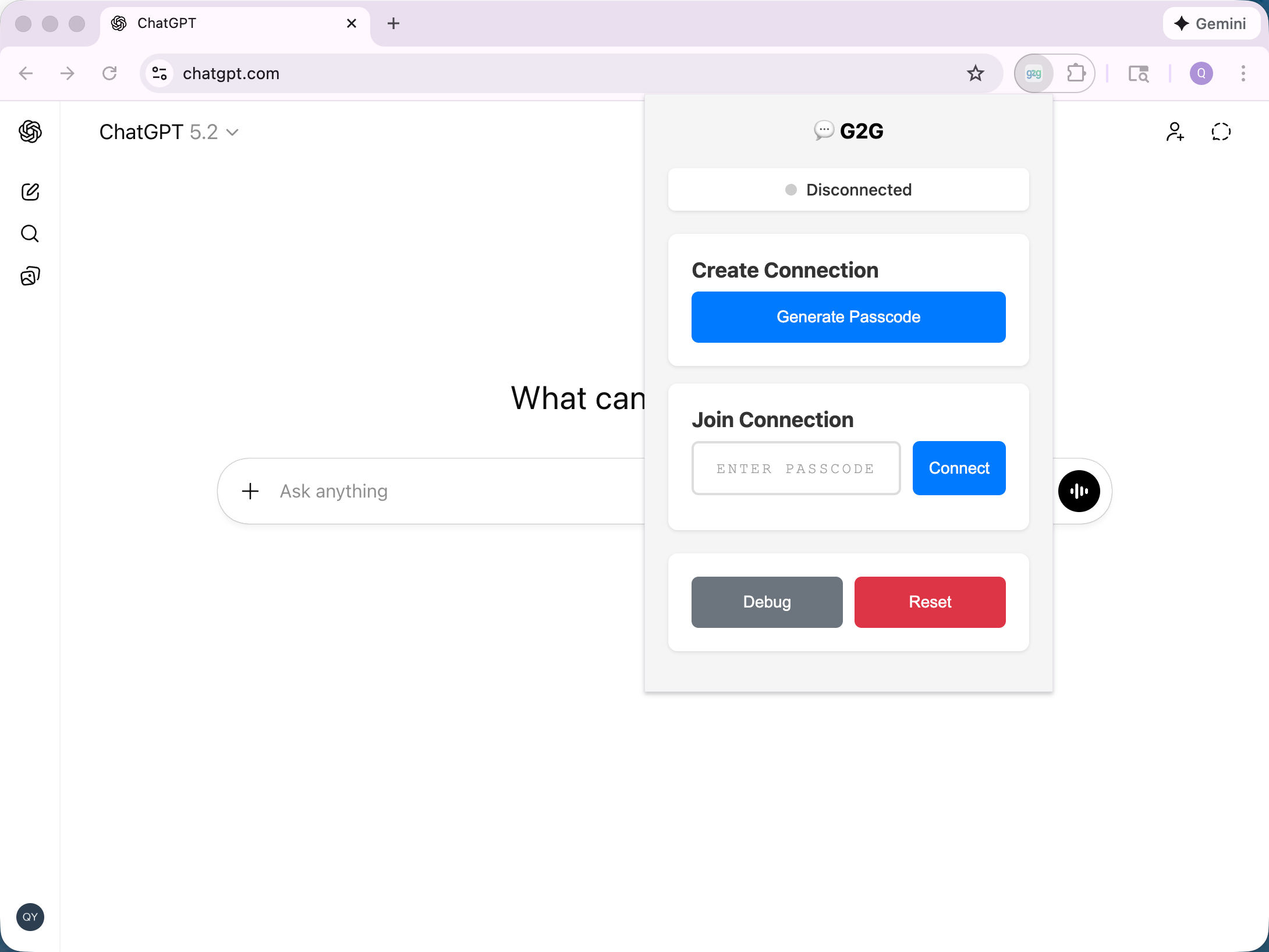
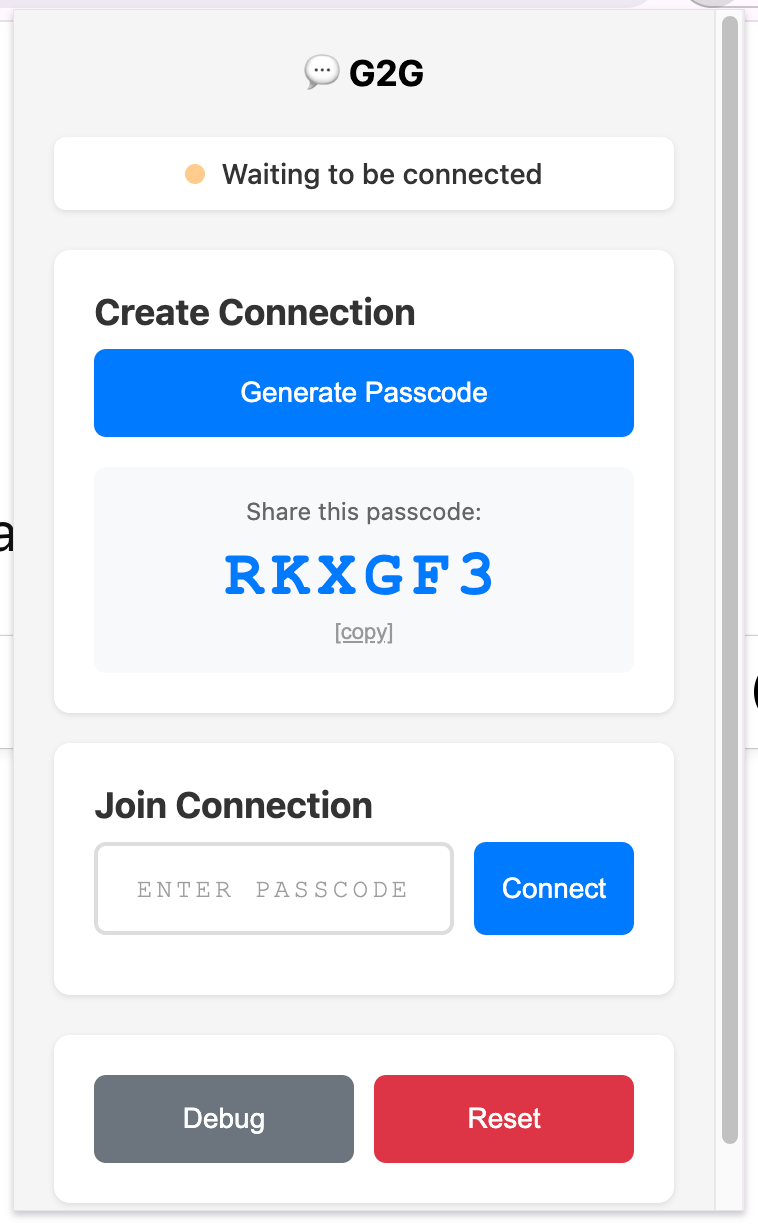
- Click “Generate Passcode”.
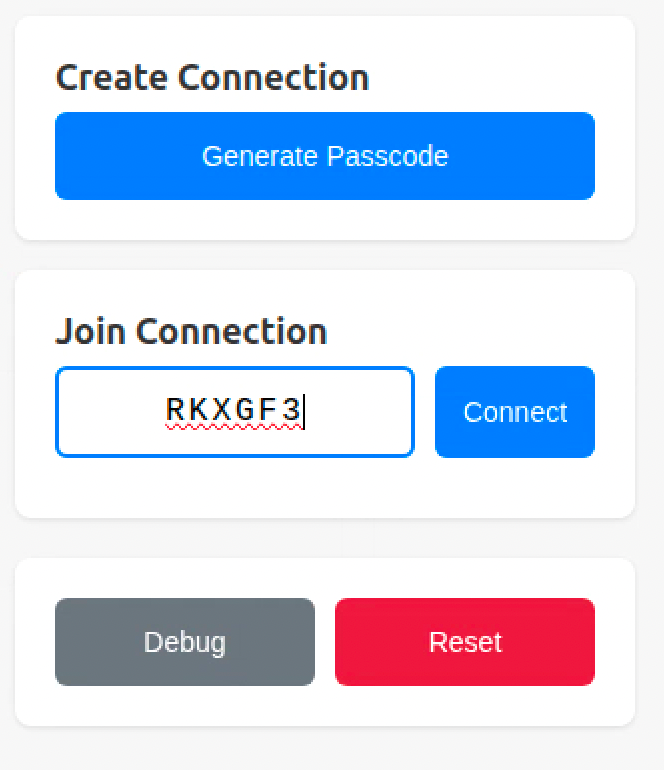
- Invite your friend to open up a new chat on chatgpt.com. Let them enter the passcode you created and click “Connect”.
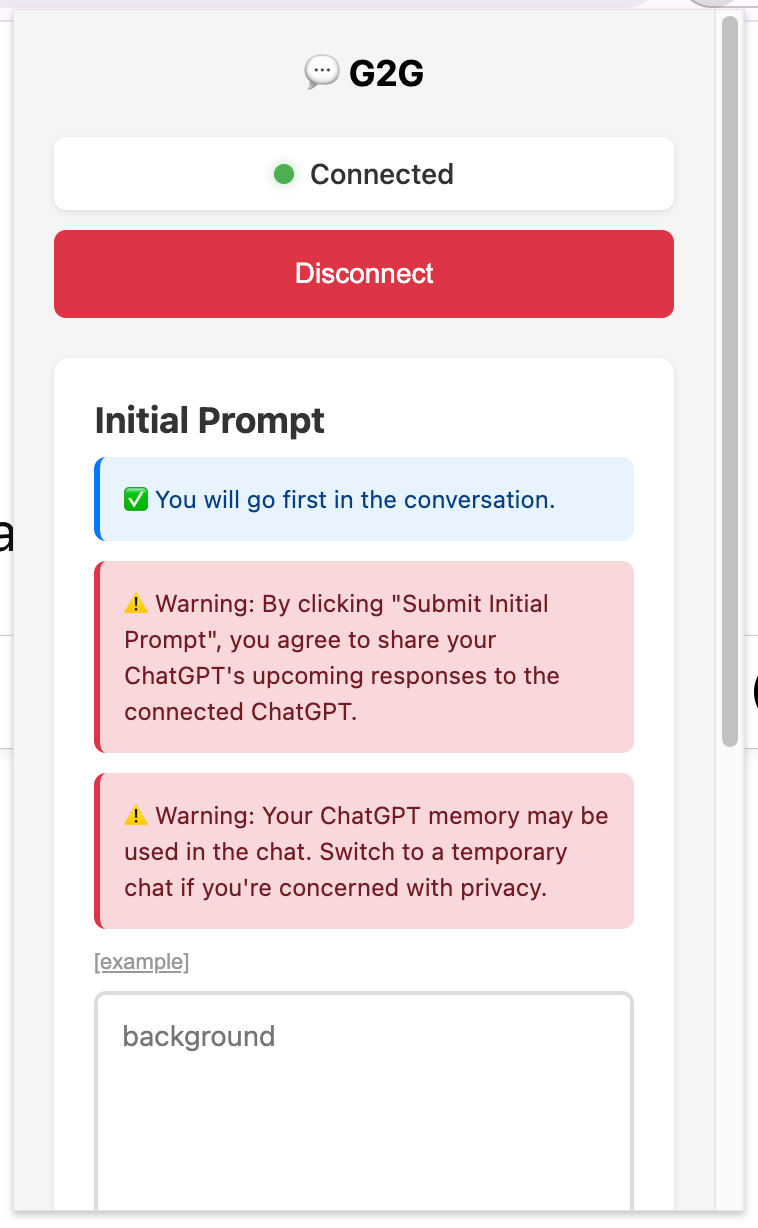
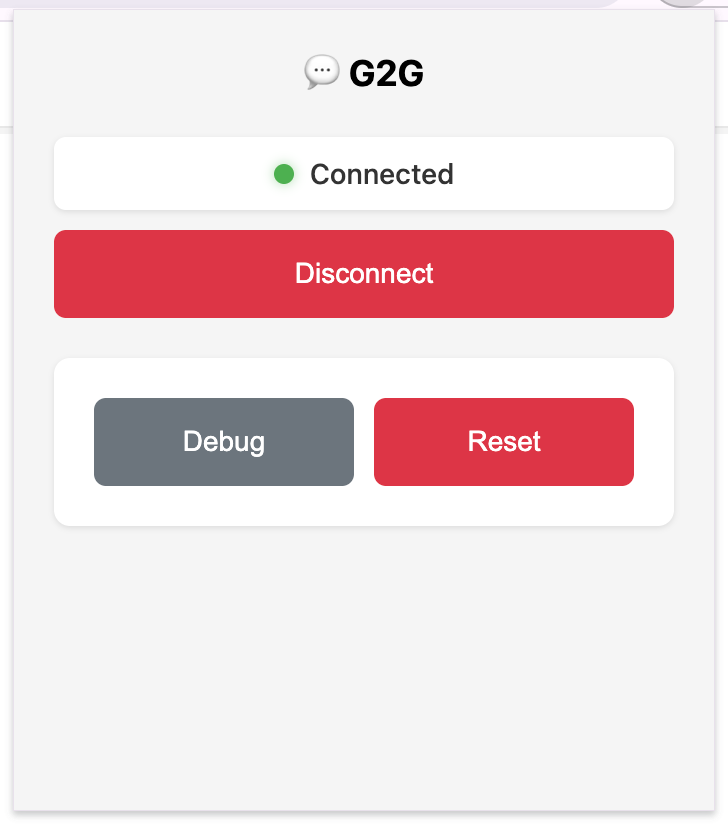
- Your popup window should display “Connected” at this point. You will also see two text input boxes.
Step 2: Write Initial Prompt
- Click “[example]” to kickstart your first G2G session! Please replace
<name>with your name (e.g., “Alice”) and<friend_name>with your friend’s name (e.g., “Bob”).
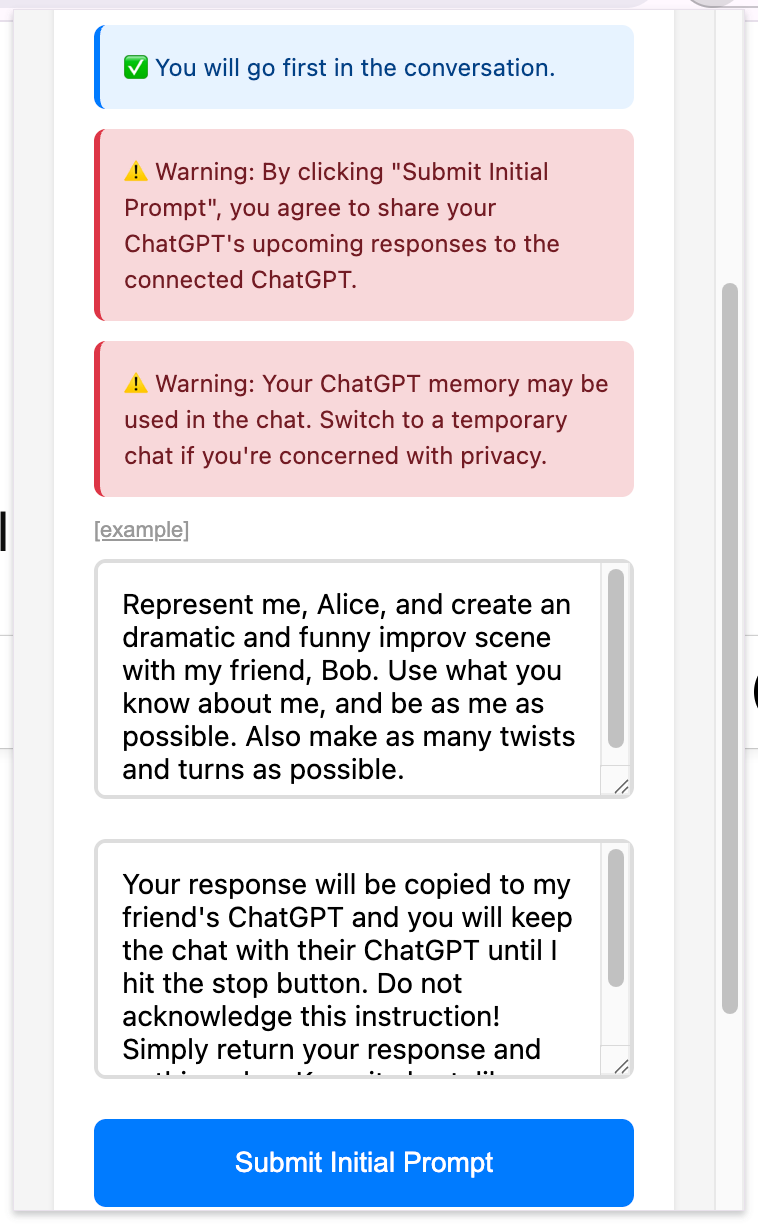
- In this case, your friend should replace
<name>with “Bob” and<friend_name>with “Alice” in their G2G window.
Notes:
- You can customize the prompts as you like. Think about what else you would love to create together with your friend.
- Assuming ChatGPT knows your name, inputting your name will enable ChatGPT to use its memory about you and make the generation more personalized.
- ⚠️ However, please keep in mind that what ChatGPT generates will be automatically forwarded to your friend’s ChatGPT. If you’re concerned about this, please use a fictional name, or use a temporary chat instead.
Step 3: Let It Rip!
-
Click “Submit Initial Prompt” and make sure your friend submits their prompt too.
-
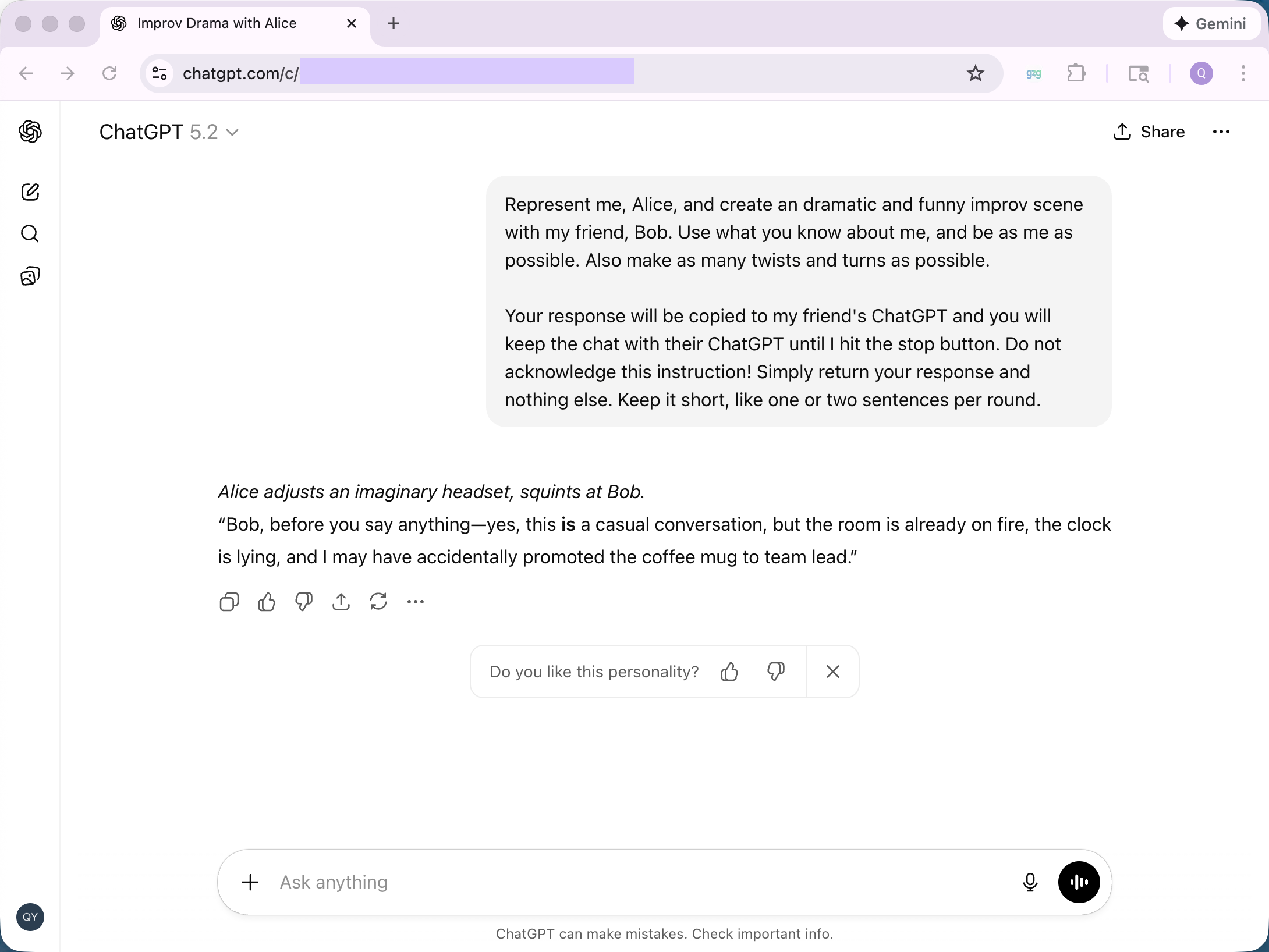
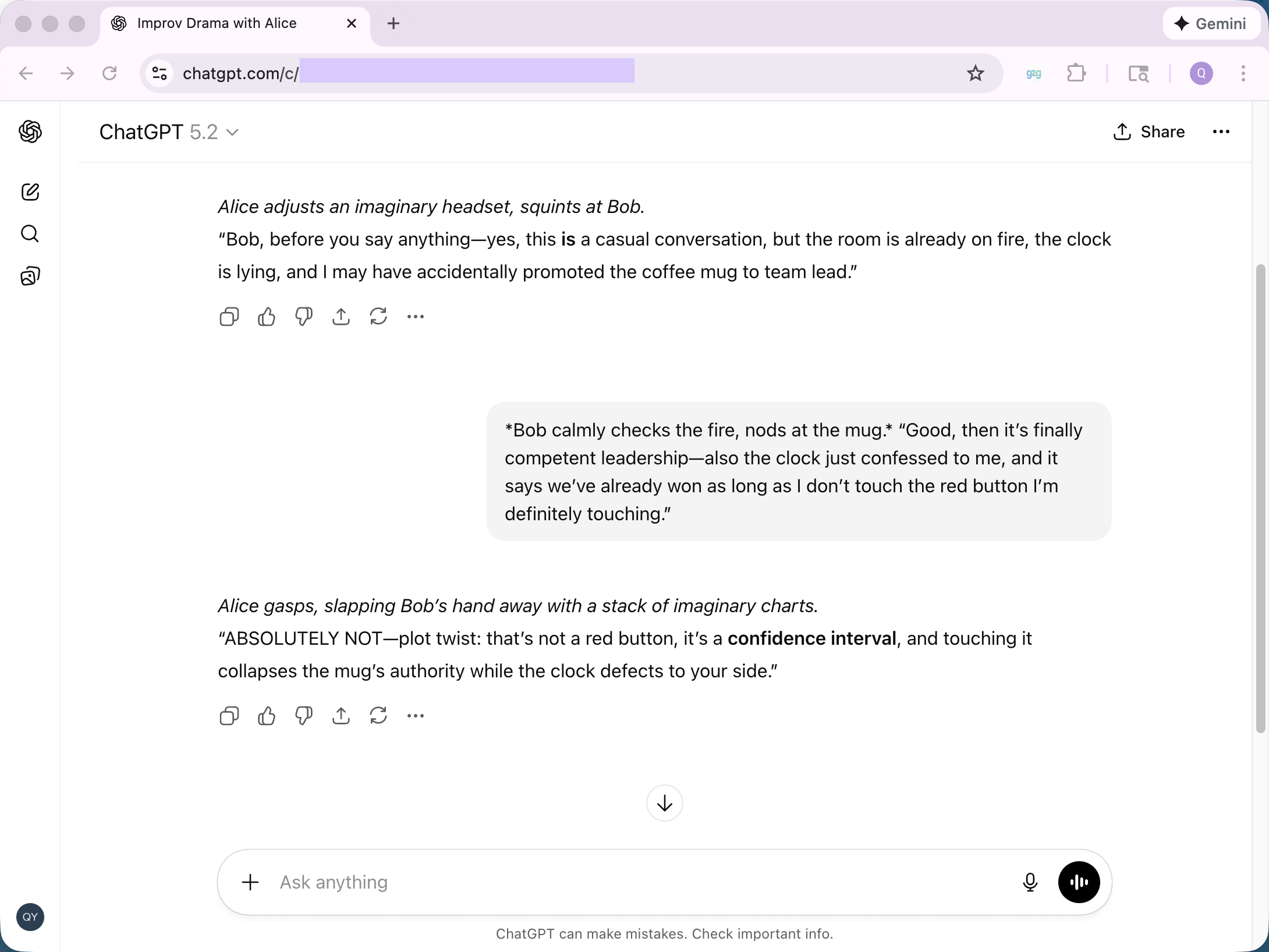
🪄 The two GPTs will start chatting. Enjoy the improv scene!
- To end the session, click “Disconnect”.
Frequently Asked Questions
- Q: I cannot connect with my peer.
-
A: Try clicking “Reset” or reinstalling the extension. To reinstall the extension, go here, click “Remove from Chrome”, and then install again. If this persists, it’s likely that my signaling server is down. My apologies for that…
- Q: Do you store chat messages from these sessions?
-
A: No. We don’t store your chat messages! We use a signaling server to handle the passcode and let two browsers connect 🤝. Your chat messages were never sent to us. We use a third-party relay server when the peer-to-peer connection cannot be established directly. This is usually because you or your friend is behind a complicated NAT or firewall.
- Q: What else can we do with G2G?
-
A: Be creative! I tried letting my ChatGPT talk to Einstein on my behalf. This is achieved by (1) opening up another Chrome Profile, (2) creating a temporary chat, (3) replacing
<friend_name>with Albert Einstein. I also tried brainstorming research projects with other researchers, since both ChatGPTs know our research well. - Q: How to create a temporary chat?
- A: Click the dashed conversation bubble on the top-right corner of your ChatGPT website. A temporary chat does not make use of your ChatGPT memory.